
From Empty Calendar toFull Bellyin Minutes
Here's exactly how GoodSpoon turns meal planning chaos into a simple, stress-free system. No overwhelm. Just results.
Tell Us About Your Household
Create your account and set up your preferences in just a few minutes.
Dietary restrictions and preferences
Household size and ages
Preferred cuisines and cooking skill level

Add Your Favorite Meals
Start with meals your family already loves, or discover new ones.
Manually enter your go-to recipes
Browse GoodSpoon's curated recipe database
Ask Pierre for meal suggestions based on your preferences

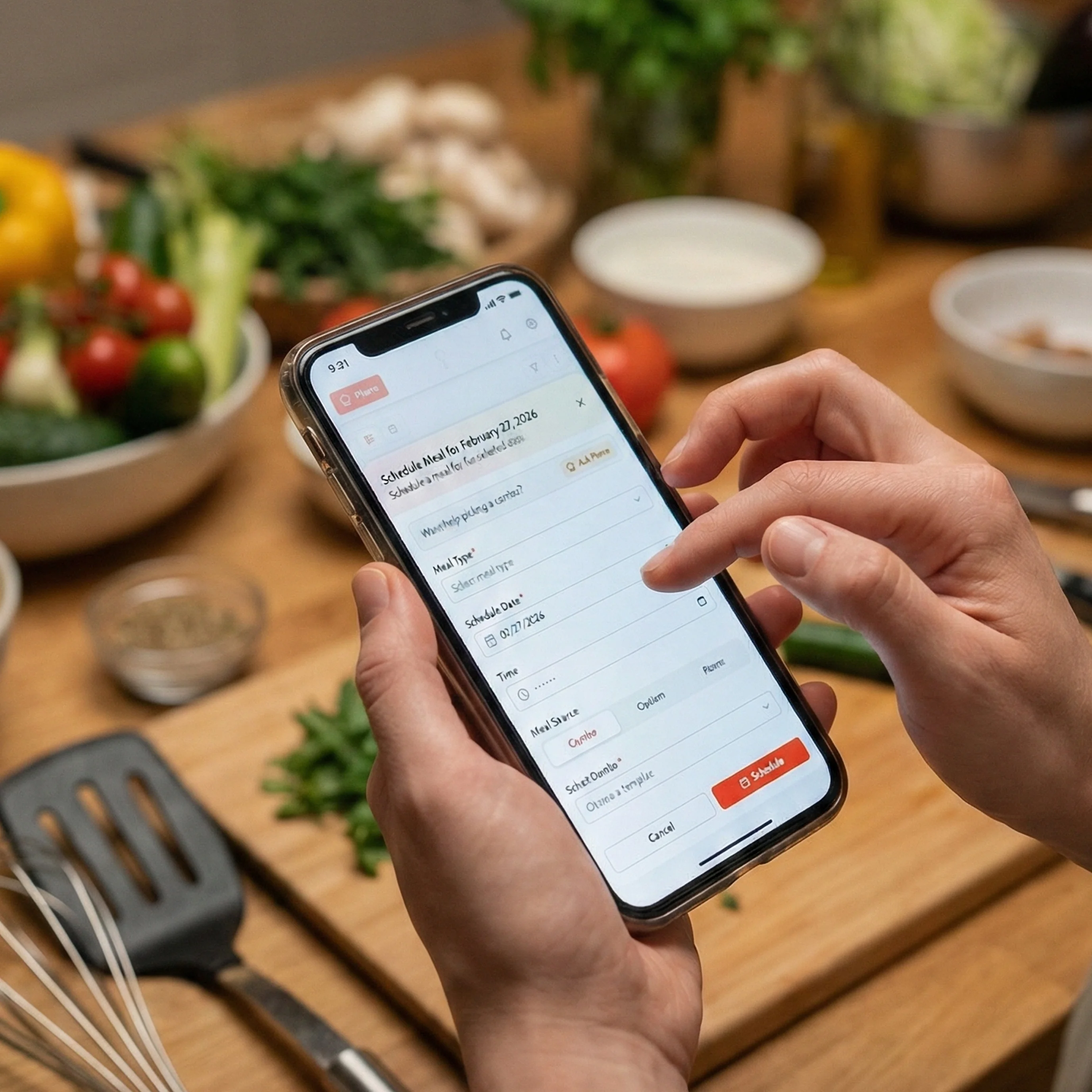
Schedule Meals on Your Calendar
Drag and drop meals onto your calendar, or let Pierre suggest a complete weekly plan.
Drag meals from your library to calendar slots
Let Pierre auto-generate a balanced weekly plan
Adjust portions based on household size
Set meal reminders and prep notifications
Collaborate with Family or Roommates
Share your meal plan with the people you cook for (or with).
Invite members by email
Share recipes and meal calendars
Manage group permissions and member roles

Get Your Auto-Generated List
GoodSpoon compiles all ingredients from your scheduled meals into one organized list.
Review all needed ingredients
Mark items you already have in your pantry
Assign specific items to group members
Access your list on mobile while shopping

Head to the Store and Start Cooking
Check off items as you shop, then access recipes while you cook.
Check off items while shopping
Access full recipes with step-by-step instructions
Rate meals after eating to help Pierre learn

AI Learns and Improves Over Time
The more you use GoodSpoon, the better Pierre gets at suggesting meals you'll love.
Smarter meal suggestions based on your ratings
Reduced food waste through pantry tracking
Greater variety in your diet over time
The Result? More Time, Less Stress
Most users are planning complete weekly menus within 10-15 minutes of setup.
Minutes to Setup
Get your first week planned
Hours Saved/Week
Time you can spend with family
Decision Fatigue
No more "What's for dinner?"
Ready to Get Started?
Join the beta waitlist to be among the first to experience this simple, stress-free meal planning system.